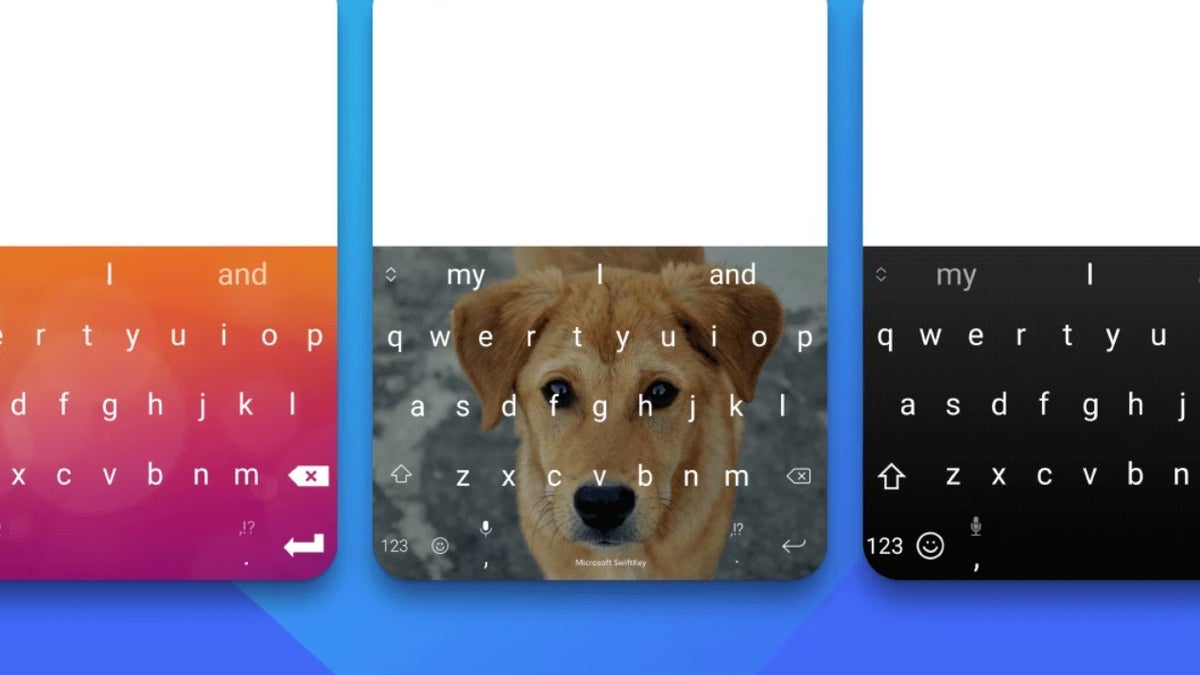
It'll only work with a Microsoft account
Currently, when you go to the Accounts option in the Microsoft SwiftKey app, you are given two options to log in to the platform: sign in with your Microsoft account or sign in with your Google account. In case you are accessing the app on an iOS device, you get an additional option to log in with your Apple account.But Microsoft has reportedly started sending emails to all SwiftKey users, stating that starting May 31, 2026, you will be able to log in to the platform only through your Microsoft account. The option to sign in via your Apple or Google account will be discontinued permanently. All your typing data will also be moved to the OneDrive storage associated with your Microsoft account.
If you are already signed in with your Microsoft account, you won't have to take any action on your end. Your typing data will be sent to OneDrive automatically. Microsoft will, however, delete all accounts that have been created using Apple or Google on 31st May. To make sure you don't end up losing your account data, you should visit the Microsoft SwiftKey data page before the cutoff date.
All that said, the main question here is what features you will lose if you decide not to log in with a Microsoft account on the keyboard app. You see, if you sign into SwiftKey, you get the additional power of syncing typing data across different devices. This further includes features like customized autocorrect suggestions, dictionaries, and more. You won't be able to take advantage of all these extra benefits if you decide to use the app without logging in with your Microsoft account.
Which of the following do you think is the best third-party keyboard for smartphones?
Other benefits that you will get
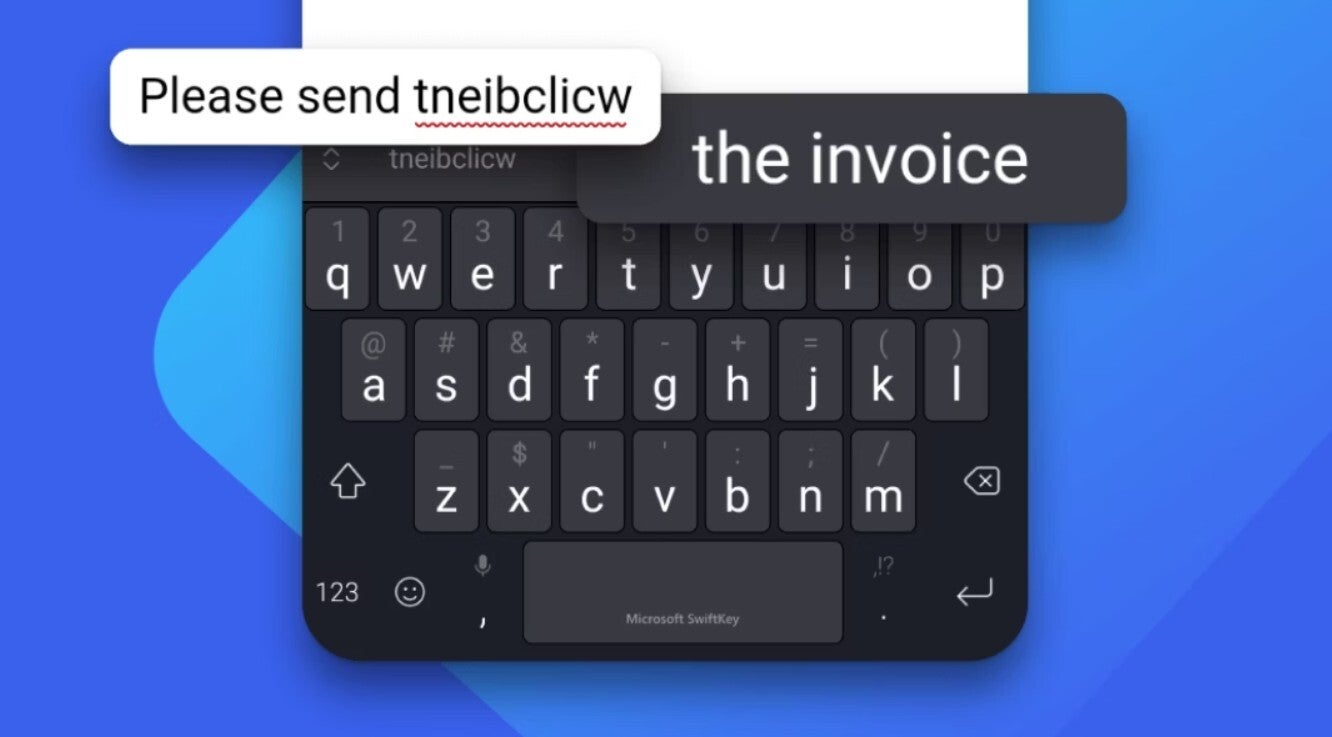
Over the last few years, Microsoft accounts have become a non-negotiable requirement for many Microsoft services. For instance, on platforms like the Microsoft Store, Microsoft Edge, and Microsoft OneDrive, you can only sign in with a Microsoft account. Well, this definitely offers positives like better ecosystem integration, but on the other hand, it also takes away user choice. Furthermore, users who don't prefer OneDrive now have no option but to rely on it if they want to continue using the syncing feature in Microsoft SwiftKey.